Tour progression
Contents
Product Tours is currently in private alpha. Share your thoughts and we'll reach out with early access.
Currently only available on the web. Requires posthog-js >= v1.324.0.
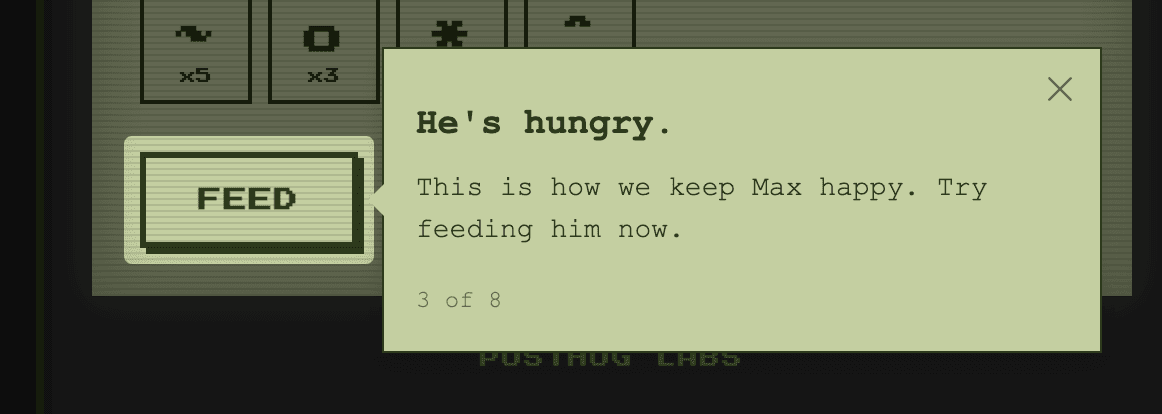
Product Tours can progress in one of two ways: button click or element click.
These options are available in the Next step on... section of step settings when you have a target element configured.
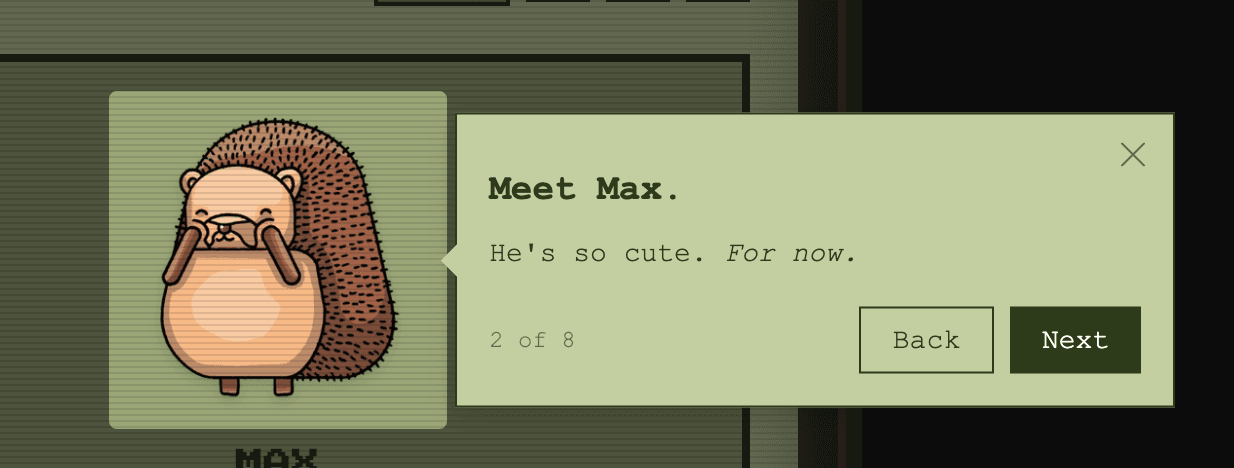
Next button
This is the default behavior for new tour steps. We show a button that takes the user to the next step in your tour.
To learn more about customizing this button and its behavior, see Button actions.
Element click
For more interactive tours, you can choose Element click as a step's progression trigger.
With this option we will not show a Next button by default, and users get to the next step by clicking on the current step's element.